Selenium Find Element by Class – Complete Guide with Examples
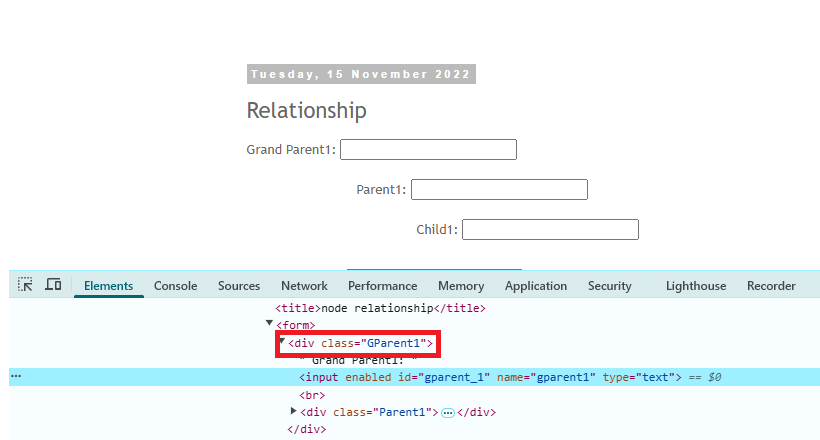
Learn how to use Selenium find element by class name with working examples and tips to handle single or multiple class attributes effectively.
Learn how to use Selenium find element by class name with working examples and tips to handle single or multiple class attributes effectively.
Selenium WebDriver supports many types of element locators like ID, Name, TagName, Class, XPath, and CSS Selectors to find and interact with the web element on a page. One of them is the Name locator. You can use the By.name() method to identify the element using the name attribute of the element. This guide will … Read more
Locating element is a crucial part in Selenium automation testing. There are many element locators available in Selenium, but finding an element by ID is one of the most reliable and most expert-recommended methods. Why Use ID to Locate Elements? There are many different element locators available in Selenium. But why should you prefer ID? … Read more
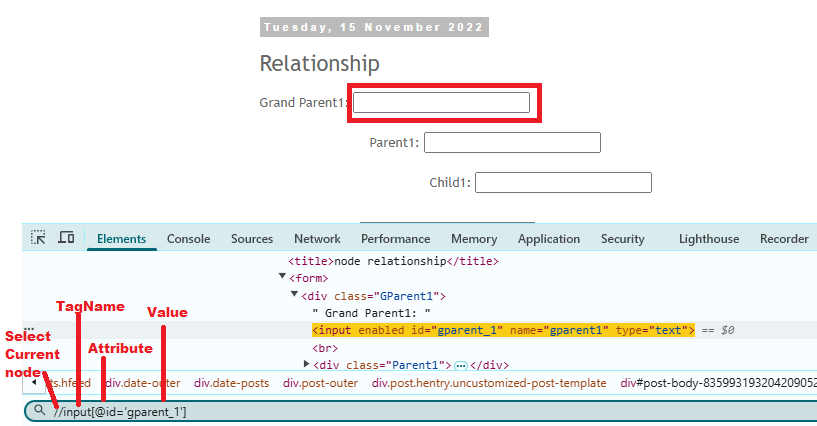
One of the main reasons behind Selenium’s popularity is that it supports multiple element locators. And one of them is XPath. XPath is one of the most powerful and flexible element locators in Selenium Webdriver. It helps you to navigate through the HTML structures of a page to locate an element using XPath. In this … Read more